
How to Run an Auto Blogging Campaign Without Thin Content

Auto blogging campaigns go thin in five ways: they repeat topics, skip research, publish without review, overlook weak passages, and release more posts than you can read. DURBUN has a way around each.
It connects to HTTPS WordPress sites via an Administrator's application password, with no plugin.
Give Every Post Its Own Topic
Keywords mode writes one article per keyword, in list order. Make each keyword a different question; distinct questions can help create distinct subjects instead of several versions of the same post. Full Auto reads the site's published titles and tagline and picks topics avoiding them. It suits one live campaign per site. Articles mode publishes articles made in DURBUN and skips published ones.

Distinct article topics prepared for one WordPress campaign
| Mode | Source | Posts | Best for |
|---|---|---|---|
| Keywords | Your keyword list | One per keyword | Planned topic coverage |
| Full Auto | Titles and tagline | New topics | One live campaign |
| Articles | DURBUN articles | Unpublished articles | Existing content |
Each mode starts from a different source, so choose the one that matches how you already plan and store content.
Build Each Post on Research
Each Article template post is researched from live search results and up to 5 ranking pages. That research can help keep the article focused on the question it needs to answer instead of broad advice that could fit any topic. DURBUN checks claims that sound overstated and edits the article before it reaches you. The result is an article built around its subject rather than an unedited collection of search material. This gives each post a clearer purpose without requiring every topic to follow the same structure.
Read Posts Before They Go Live
A Draft campaign turns each item in a keyword list into a WordPress draft instead of publishing it immediately. Each post stays in WordPress for you to open and read before it goes live. Add details only you can provide, including prices, service area, and customer cases. Those details put your business's specific information beside the article DURBUN prepared. Publish the drafts in WordPress when the wording and facts are ready.
Score Before You Publish
For an article you generate in the DURBUN dashboard, run the Article Quality Report once. Choose two or three models to score it from 0 to 10 on seven axes. The models quote weak passages, so the report points to the parts that need attention rather than giving only a single number. Under 5.5, it reads Not ready to publish. Find those passages in the editor, edit them, then publish with an Articles campaign.
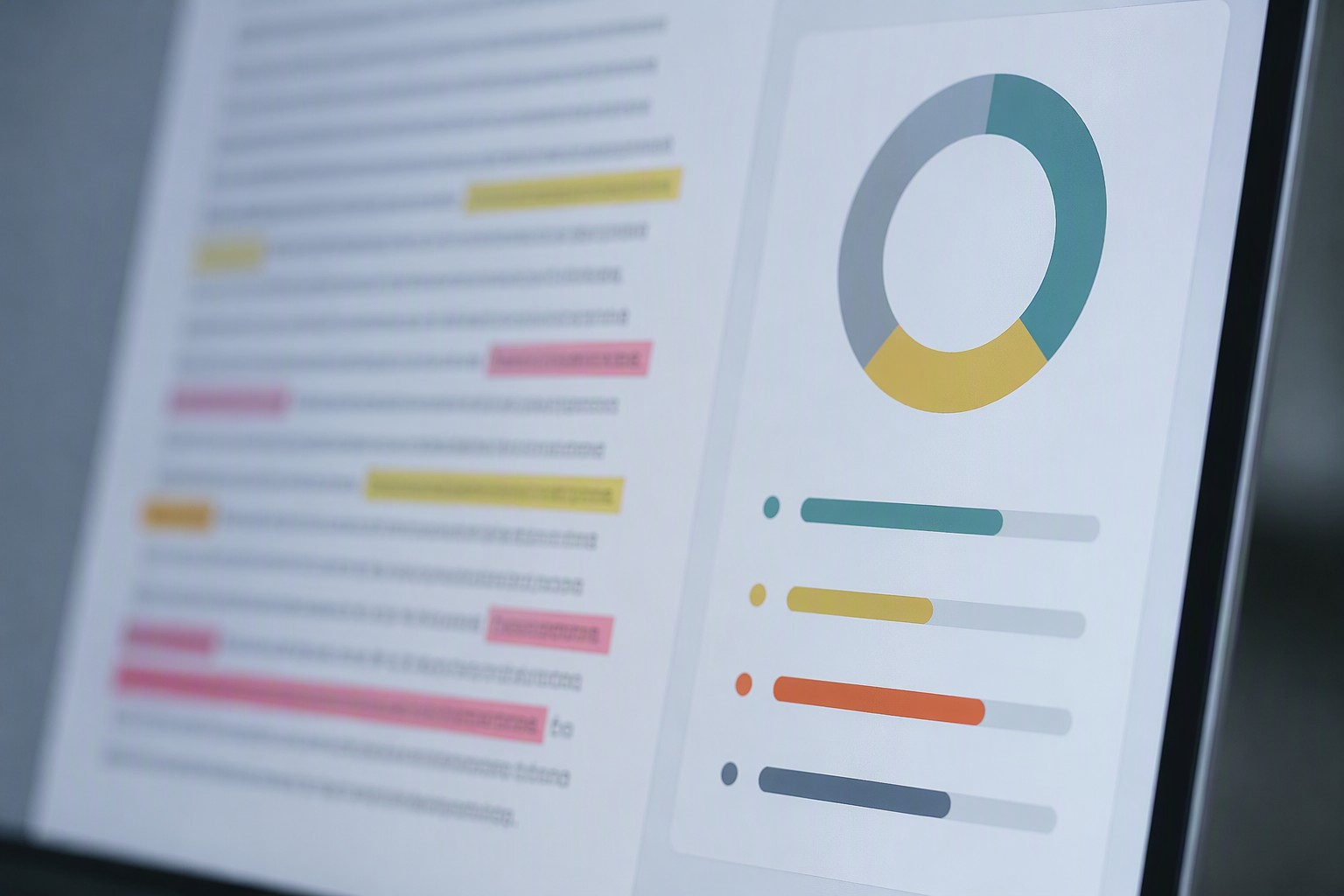
Article quality review with weak passages ready for editing
Post Only What You Can Read
Each campaign posts 1 to 50 articles daily, either live or as drafts. Set a readable count when you create it. You can use random times in a daily window or up to 24 fixed times. Leave running campaigns as set. Grow with new Keywords campaigns when you are ready to work through the next list.
The price is one credit per output word. 1,000 credits cost $0.05, publishing is free, and signup includes 5,000 free credits. AI images and the report cost extra.
Start a Draft campaign from a short keyword list. Once those drafts read well, start a new live Keywords campaign for the next list.