
AI Article Generators That Publish to WordPress Automatically
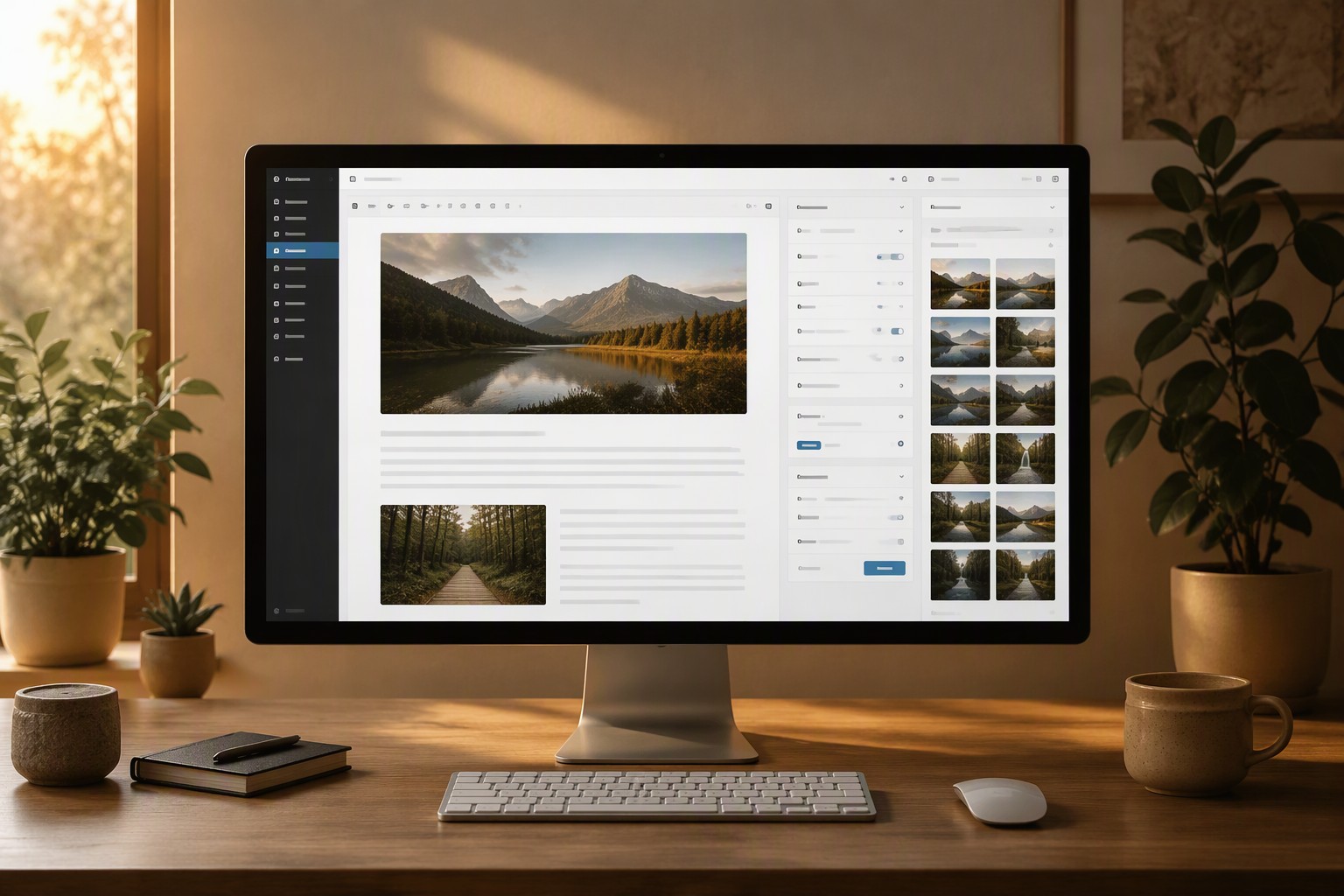
DURBUN is an AI article generator that creates complete articles and publishes them to WordPress automatically, including images uploaded to the WordPress Media Library. It suits a publishing plan that starts with a keyword list and ends with scheduled drafts or live posts. If you want to check each article before readers see it, use a Draft campaign; an approved plan can use a live campaign that publishes each article in one step.
WordPress Access and Automatic Publishing Requirements
Creating an article is only one part of publishing it. You also need to add the title, insert and upload images, set the excerpt, choose a category, and publish or save the post. DURBUN connects to WordPress through an Administrator's application password on an HTTPS site. A lower WordPress role cannot connect because DURBUN reads the site's settings. You do not need to install a plugin on the site.

Administrator connecting WordPress to a publishing dashboard
Images are also part of the publishing workflow. A proper integration uploads generated images to the WordPress Media Library, where they remain attached to the site and its posts. Temporary remote image URLs can expire, change or stop loading, leaving an article with broken media.
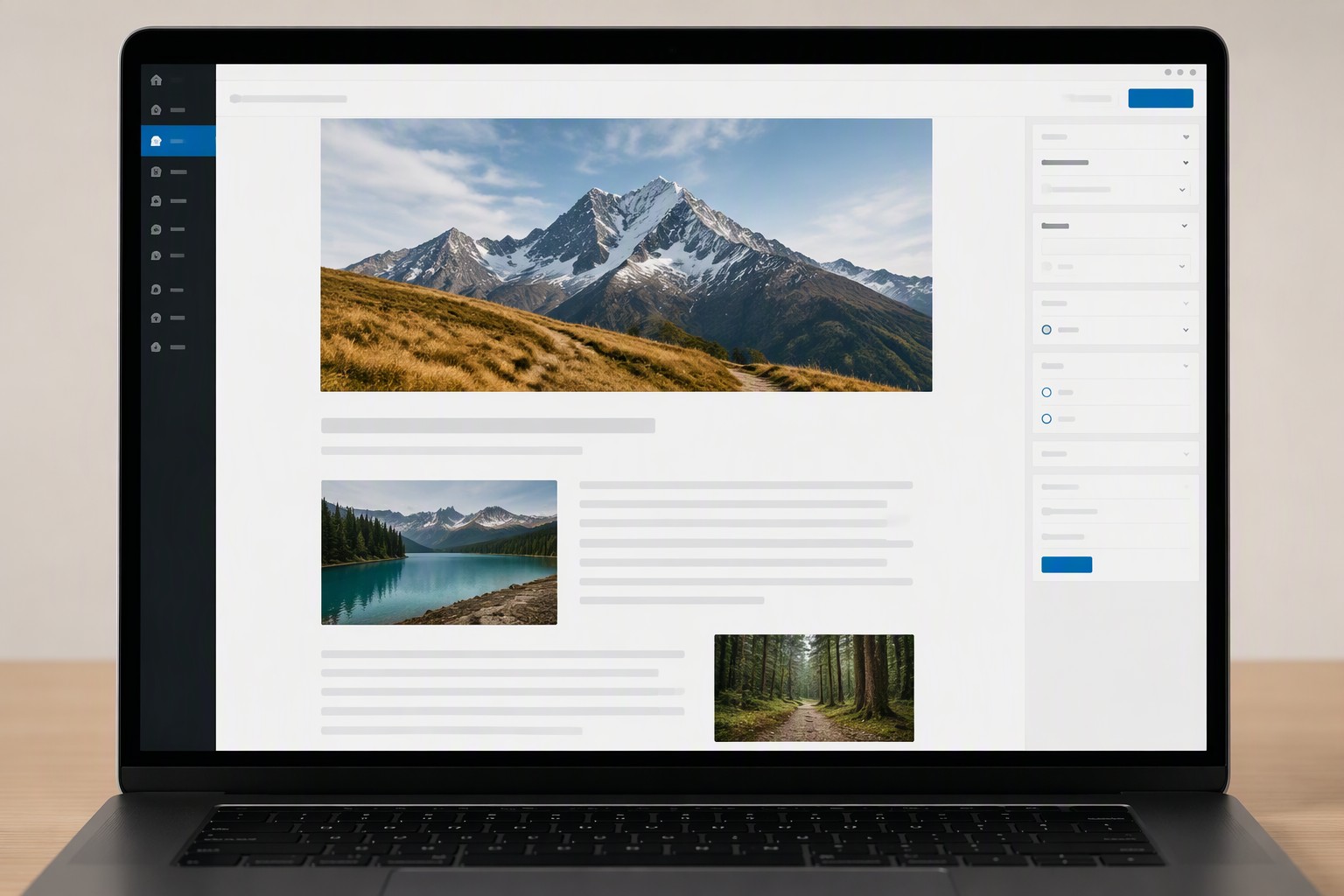
WordPress article with images title excerpt and category
Other setups leave different parts of the work with you:
- A site-hosted plugin runs on your WordPress hosting, so you manage its installation, updates and server demands.
- Hand-pasting makes you repeat the same upload and formatting steps for every post.
- An API script can automate the process, but you must build and maintain it as WordPress or your publishing rules change.
DURBUN creates the articles and images on its own servers, then sends only the finished files to WordPress. Publishing itself costs no credits.
DURBUN Campaigns for WordPress
Campaigns separate your content plans. You can start with keywords, let the system choose topics, or publish finished articles, and one account can run many campaigns.
| Campaign area | Draft campaign | Live campaign |
|---|---|---|
| Keyword input | Keyword list | Keyword list |
| Topic and timing | Chosen topics, daily window or fixed times | Chosen topics, daily window or fixed times |
| WordPress status | Ordinary draft | Published post |
| Images and output | Media Library images and post fields | Media Library images and post fields |
A campaign can publish at random times inside a daily window or use up to 24 fixed times. Each campaign can publish up to 50 articles a day.
Each finished post arrives with the article's H1 as its title, a readable slug, the meta description as the excerpt and the campaign's category if you set one. DURBUN does not fill SEO plugin fields. The post itself carries these basic WordPress details, while the images go into the site's Media Library.
An Article template post contains 3 to 6 images. You can use free stock photos, or choose AI images billed by image quality. The featured image receives the post title as its alt text.
Draft Campaigns
A Draft campaign saves every result as an ordinary WordPress draft. Visitors cannot see those posts until you publish them yourself. Open the drafts in WordPress and check the article, title, slug, excerpt, category and images in the Media Library. Review is a choice you make, not evidence that the writing system has failed.
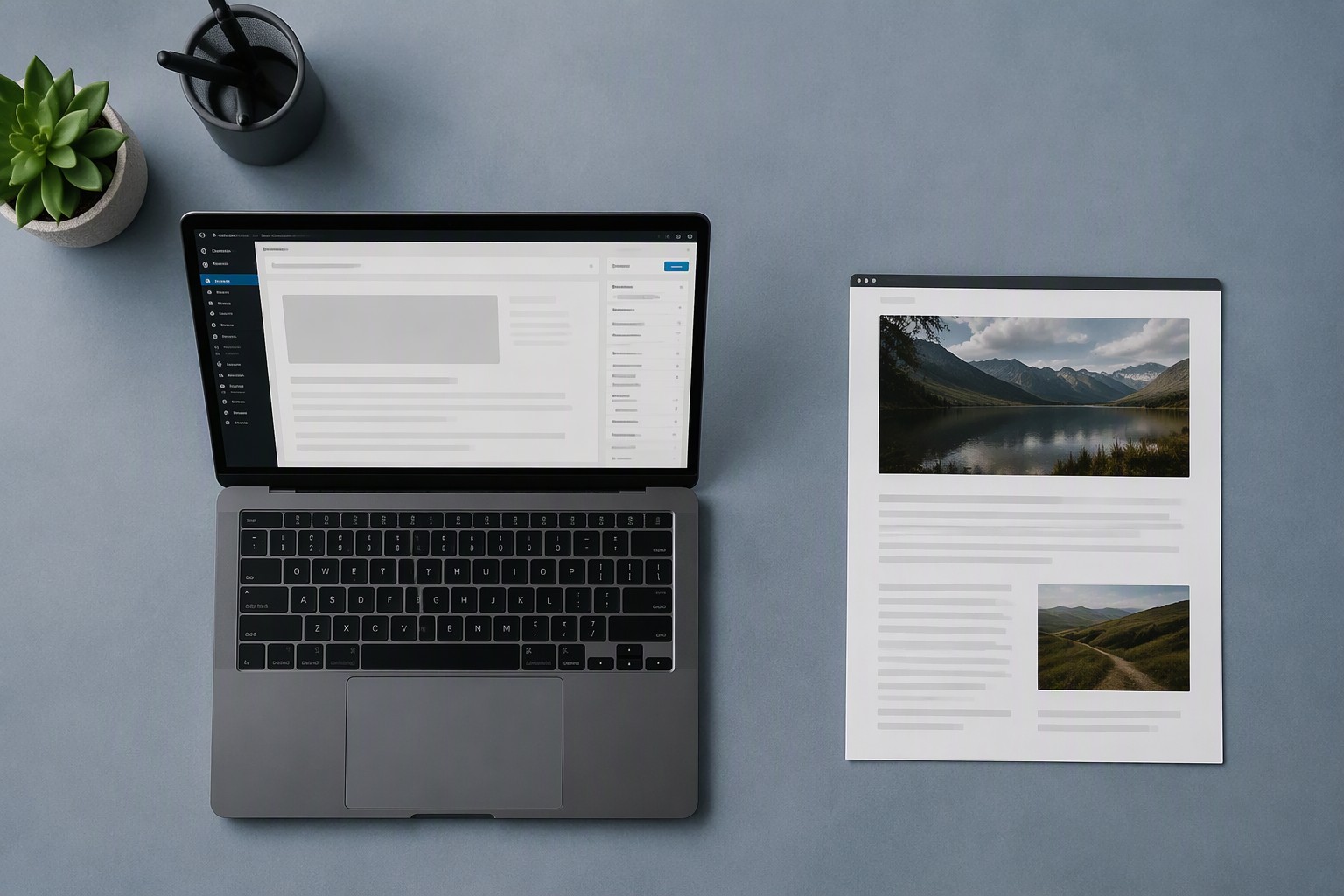
WordPress draft beside its published article
A practical first test uses 5 keywords, enough to reveal whether the topics, images, excerpts and categories match your site without filling the dashboard with posts.
Live Campaigns
A live campaign writes and publishes each post in one step. Use it for a keyword plan that is already approved and for content that can go online without a manual review between posts.
The timing choice shapes the campaign. A daily window lets the system choose random publishing times inside the period you set, while fixed scheduling lets you assign up to 24 exact times.
After an initial publishing failure, DURBUN makes 5 retries, with 5 minutes between attempts. If the fifth retry also fails, the campaign pauses and emails you the reason. Check the WordPress connection and site access before restarting it.
DURBUN Publishing Costs and Account Needs
The publishing step itself costs no credits. Image costs depend on the image type you choose: free stock photos do not add an image-generation charge, while AI images are billed according to their selected quality.
Connect the site and run a small Draft campaign from a keyword list first. After you review those drafts in WordPress, create a separate live campaign for new keywords.